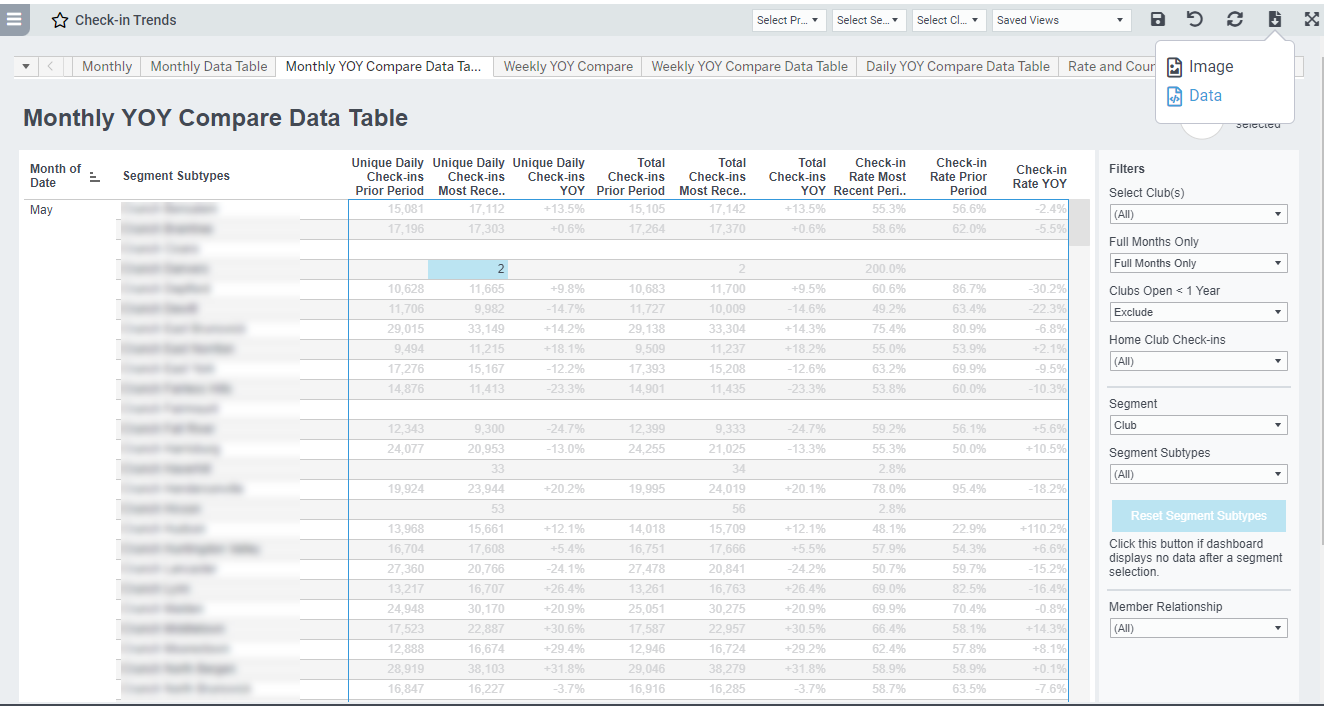
Many Easalytics dashboards have "Data Table" tabs where you can download the data to Excel. Sometimes there is an issue when you download the data and the right data is not downloading.
You may get an incorrect file downloaded, called "Reset Segment Subtypes" or "Club Count". You may also get an exception "Exception: The crosstab has no data" and no file downloads.
While we're doing our best to prevent any data downloading issues, this may happen.
How to Fix
The way to fix this issue is to click into any part of the data table first, and then click to download the data. This should resolve your issue. If not, please contact us at support@easalytics.com.