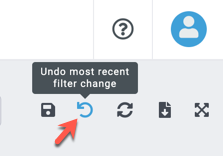
You can click the Undo icon  in the toolbar at the top right to undo your most recent action or filter setting. Clicking the Undo icon multiple times will continue to undo previous actions in reverse order in which you performed them.
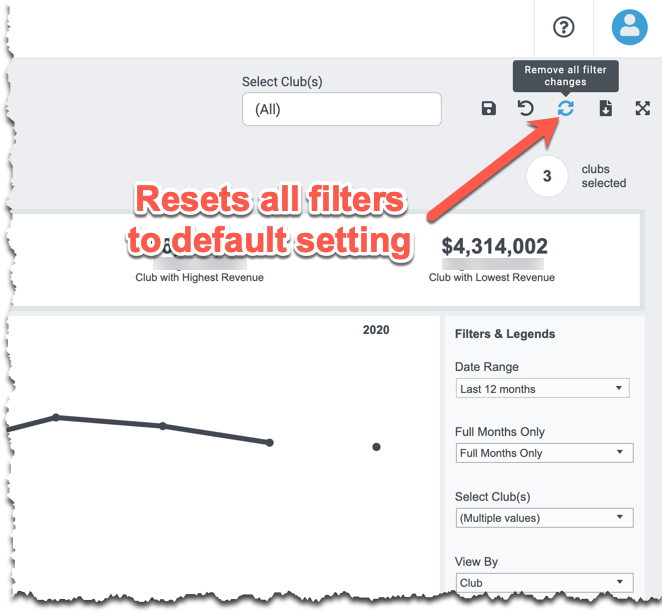
To undo ALL of your actions/settings at once and revert to the dashboard's original settings, click the Reset Filters icon