
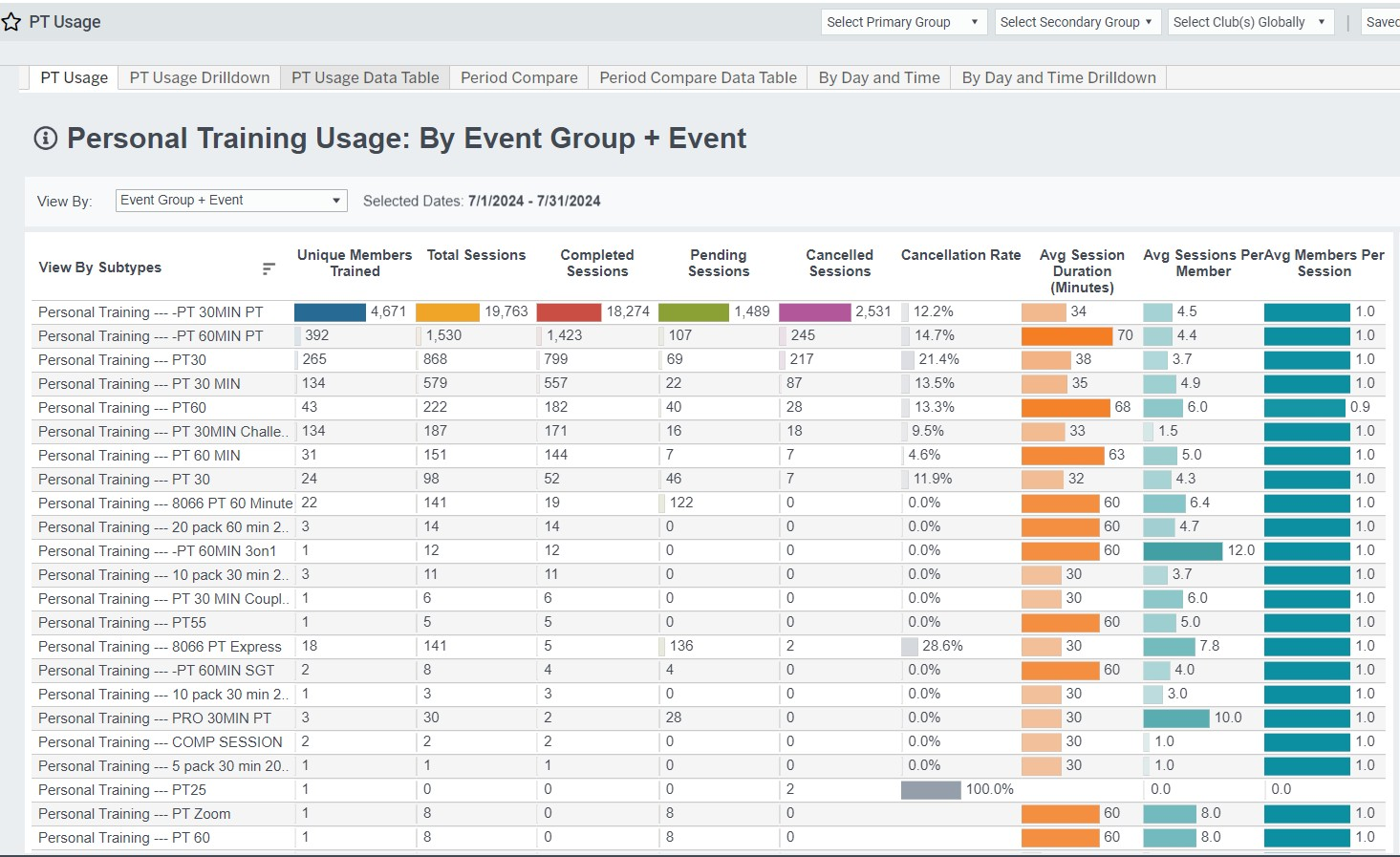
The PT Usage dashboard will help you understand your clubs' personal training service usage. View your key metrics by Club, Trainer, Member, Event and Event Group, which you can manage in the Easalytics admin portal, Event Groupings.
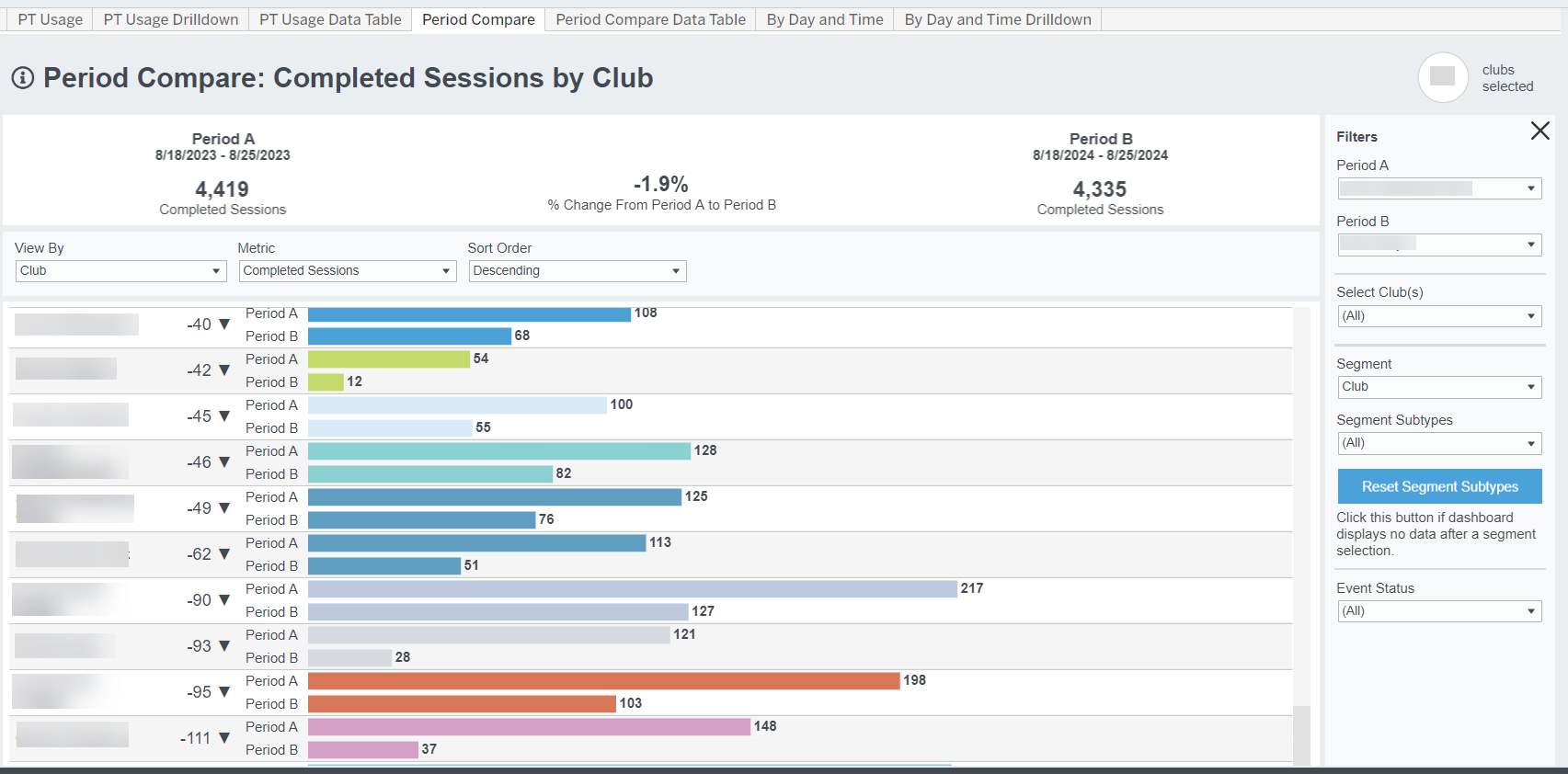
PT Usage Period Comparison
Use the Period Compare tabs to compare your PT usage versus another period, e.g. year over year, month to date (MTD) or year to date (YTD).
PT Trainer
This report tab is focused on Trainers to give you better visibility into trainer utilization. Here you can see the number of members trained, sessions completed, PT Intro Sessions completed (Shows), and PT package Closes, as well as other classes taught and hours spent by your PT Trainers.
Use the By Day and Time report tab to see usage at a more granular level.
Metric & Attribute Definitions
- Unique Members Trained: the count of unique members taking PT sessions, regardless of how many sessions they took
- Total Sessions: the number of PT Events in Completed or Pending status, excluding Cancelled sessions.
- Completed Sessions: the number of PT Events, which are configured as Personal Training in Easalytics Event Group Admin, that are marked as completed in the time period.
- Pending Sessions: the number of PT Events that are not marked Complete or Cancelled
- Cancelled Sessions: the number of PT Events that are marked as Cancelled
- Cancellation Rate: The number of cancelled sessions divided by the sum of Completed sessions and Cancelled sessions. Excludes pending sessions.
- Session Duration, Total Session Duration, Average Session Duration: The length of a Personal Training session, usually expressed in minutes. Often times this metric is averaged or summed across PT sessions.
- Average Sessions per Member: the average number of sessions taken for each unique member trained
- Average Members per Session: the average number of members in each training session
- Event Name: these are the Personal Training Events which are configured as Personal Training in Easalytics Event Group Admin.
- PT Kickoff Show Count: in the context of the PT Trainer report, this metric is the number of PT Kickoff, aka Intro sessions the Trainer completed in the report period.
- PT Kickoff Hours: the hours spent on the above described session count
- Classes: the number of classes completed by the Trainer alongside their training and PT Kickoff time
- Class Duration: the amount of hours of classes instructed by the Trainer
- PT Close Count: the number of PT Transactions associated to the trainer by members who have completed a PT Kickoff session.
- PT Close Amount: The PT EFT Draft amount of the closed PT transactions described above.
Related Dashboards
- Personal Training Usage Trends
- Personal Training Usage by Day and Time
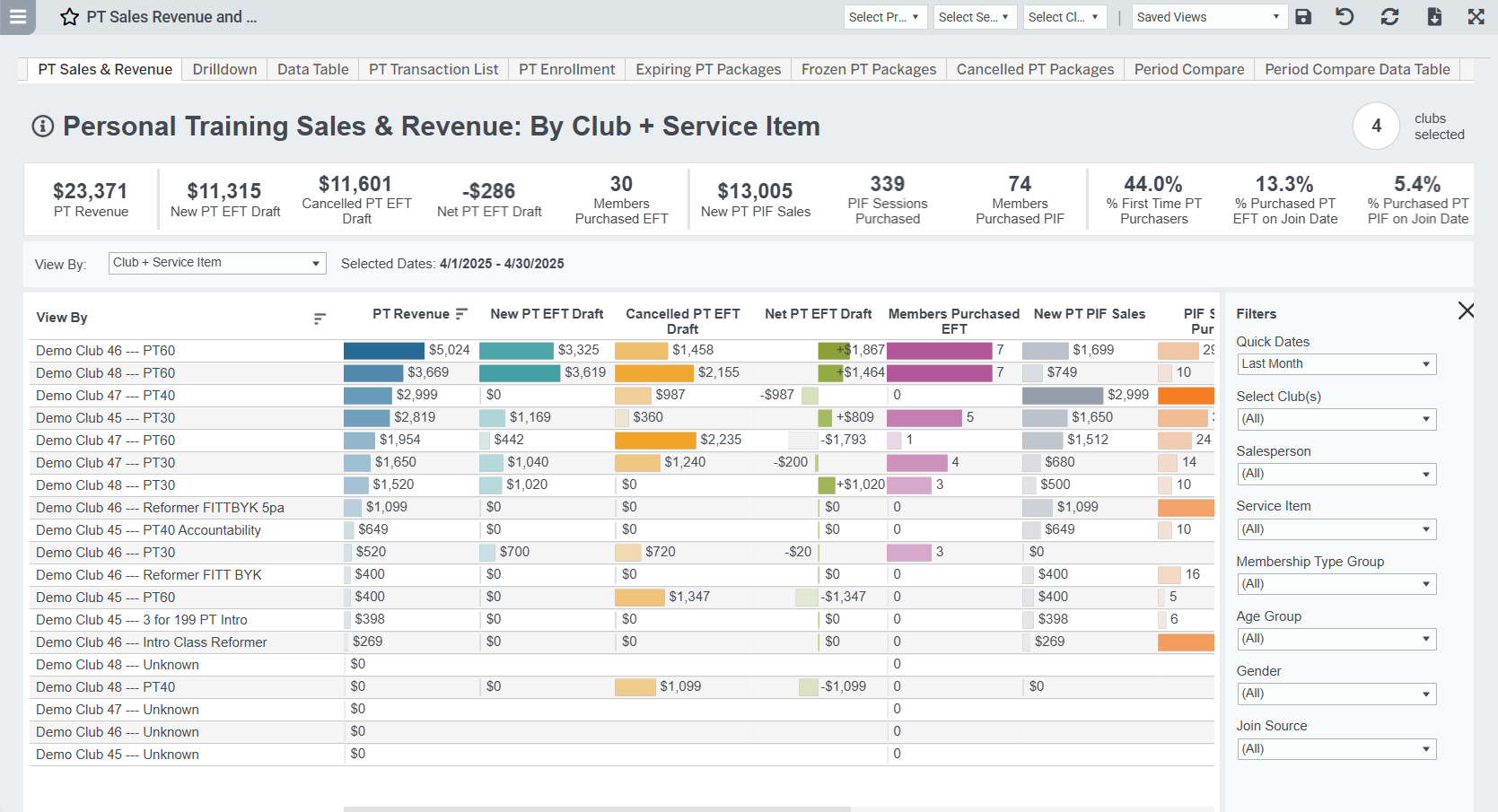
- Personal Training Sales Revenue and Enrollment Dashboard
- Personal Training Purchases Period Comparison