
Easalytics' Goals tracking is a feature that allows you to input monthly goals for your clubs and key metrics and monitor your performance to those goals on a daily and month-to-date basis.
Adding Goals using the Admin Page
Navigate to the Admin section using the Gear icon  in the top right of the Easalytics portal, when you're logged in. From the admin section, click on the Goals link. Note, only admin users have the ability to manage goals, and only clients who have the Goals feature included in their Easalytics agreement can see the Goals admin link.
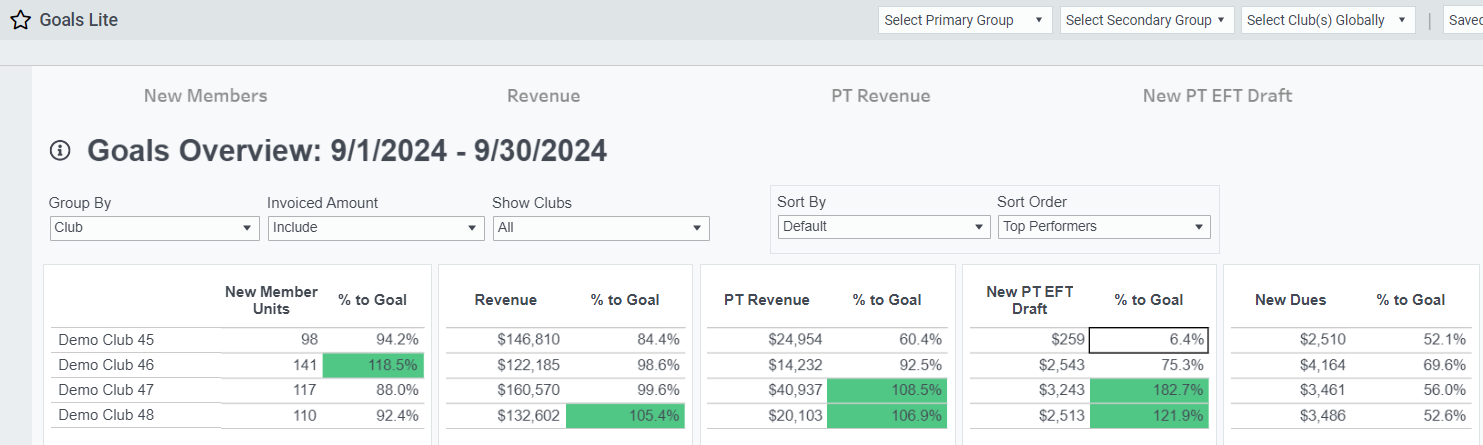
On the left of the page is a list of your clubs and the Goal Metrics that Easalytics currently tracks. On the right side of the page are filters for Clubs and Metrics as well as a toggle to change the year the goals data is for. Set the year forward or backward in time to mange your goal values for those years.
You can enter your goal values manually for each month, metric and club, OR you can download an Excel file so you can more easily input your goals. Notice on the excel file that each Goal Metric has it's own tab. Once your Goal values are updated in Excel, save the file and select Upload List and follow the prompts. Remember to click Save Changes to lock in your updates.
Note: All saved changes made on this screen will reflect in your reporting the following day.
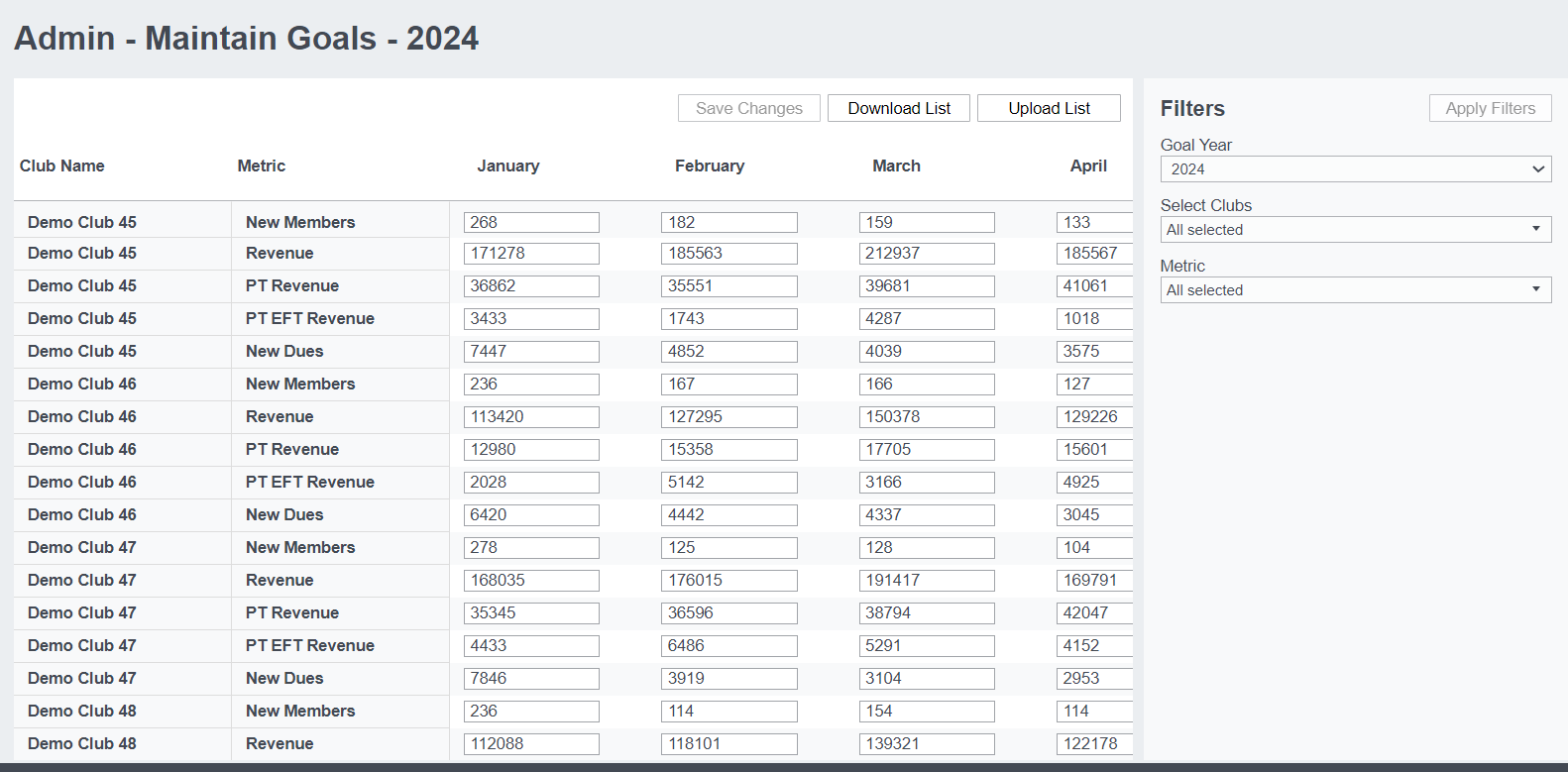
When defining your Goals, consider using Easalytics Monthly Forecast to assist in coming up with your baseline values.
Setting up Profit Center Group Goals
Easalytics has a separate product offering for Goals tracking. If you have the Easalytics Goals product purchased, you will see features in your Profit Center Group Admin page and the Goals Admin page.
In the Profit Center Group Admin page, you can select which of your Profit Center Groups you want to track goals and save your changes. Then, in the Goals Admin page you will have the ability to add or upload goals for each of your selected profit centers. Changes to goals will be reflected the following day in dashboards.
On the Goals Lite dashboard, you will see a new section below the original with your respective profit center groups, performance in the time period, and your % to goal.
Goals in Reports
Easalytics has a separate suite of reporting around goals, because it's a special add-on package.
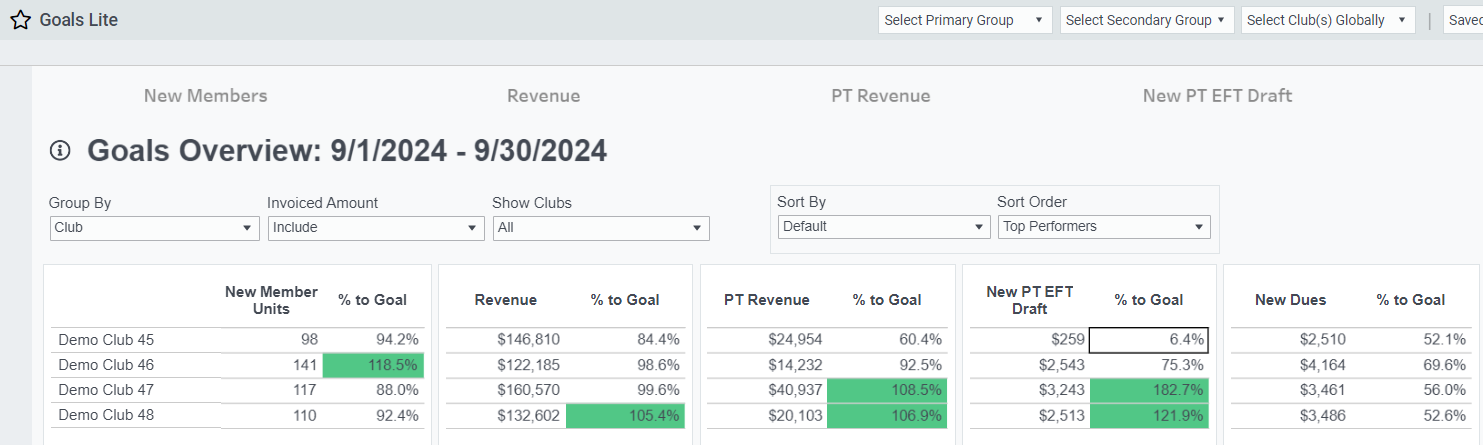
We are continuously improving our Goals reporting. As of now you can find these reports available to you, if you have the feature enabled:
- Goals
- Goals Lite -- a faster and simpler look than the original
- Goals New Members
- Goals New Dues
- Goals Revenue
- Goals PT Revenue
- Goals PT EFT Draft
- Goals Period Compare
- Personal Training Scorecard
If you have more questions or feedback on this feature, don't hesitate to reach out to support@easalytics.com.