
The Easalytics' homepage Topline Dashboards provides you and your team with flexibility to create personalized view of your clubs' performance and your key metrics. This mobile optimized experience helps you monitor your KPIs quickly and easily.
The Easalytics Default dashboard is just the start....
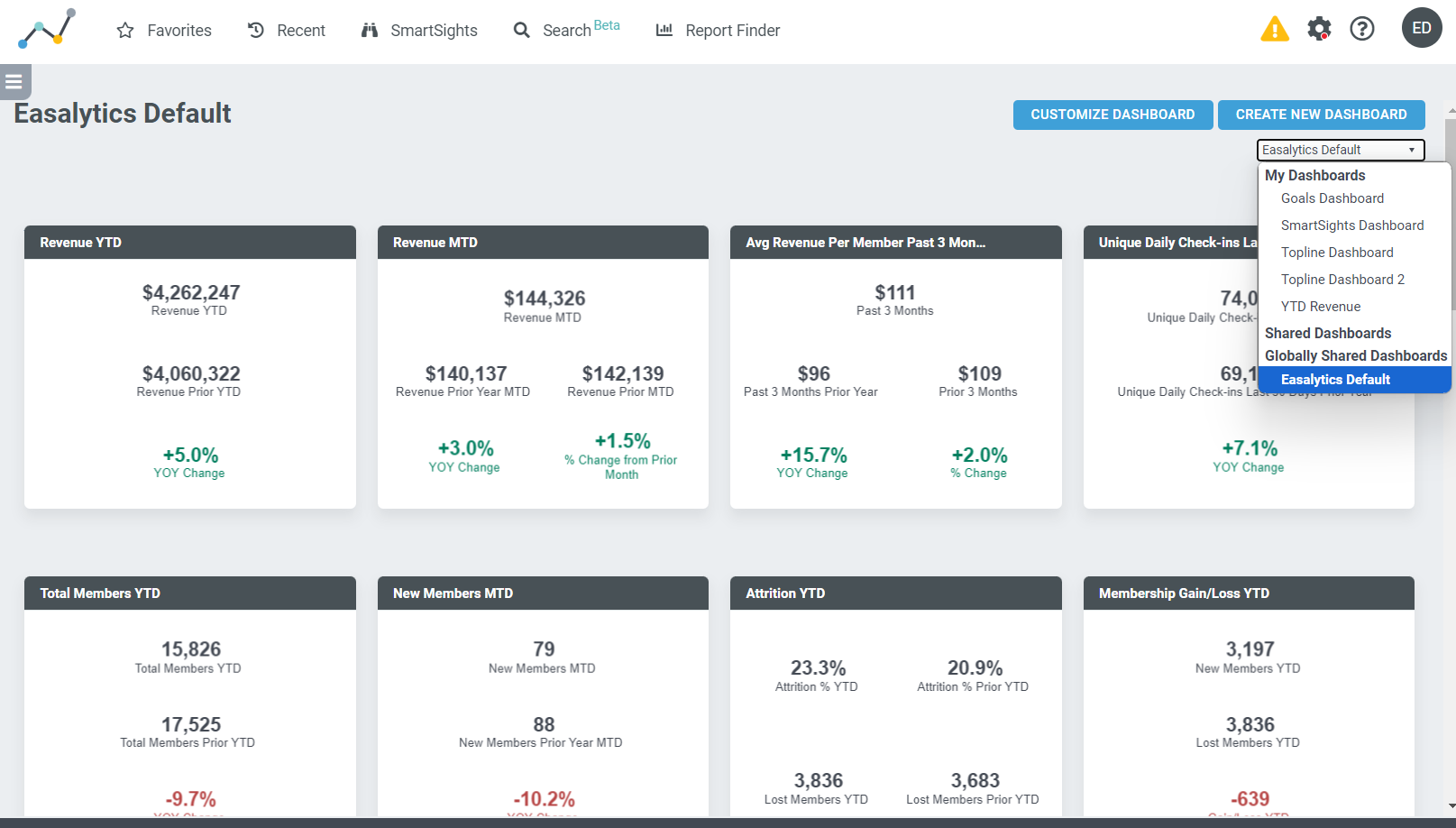
You can create as many fully customized dashboards as you need, then share those with your team, set them as your default homepage when you log in to Easalytics, and even browse your performance on your mobile devices.
Practical Uses
- Big picture of everything that is going on at all your locations.
- Topline dashboard by location with key operational metrics -- login daily to see how your club is doing.
- Specific dashboards around functional areas such as Personal Training, or Class Attendance.
How to Create, Customize and Share Topline Dashboards
Tables can't be imported directly. Please insert an image of your table which can be found here.
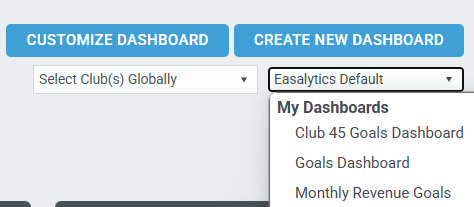
Click Customize Dashboard to modify the one you're viewing or click Create New Dashboard to start with a blank canvas.
Use the dropdown menu to browse already created dashboards on your account.
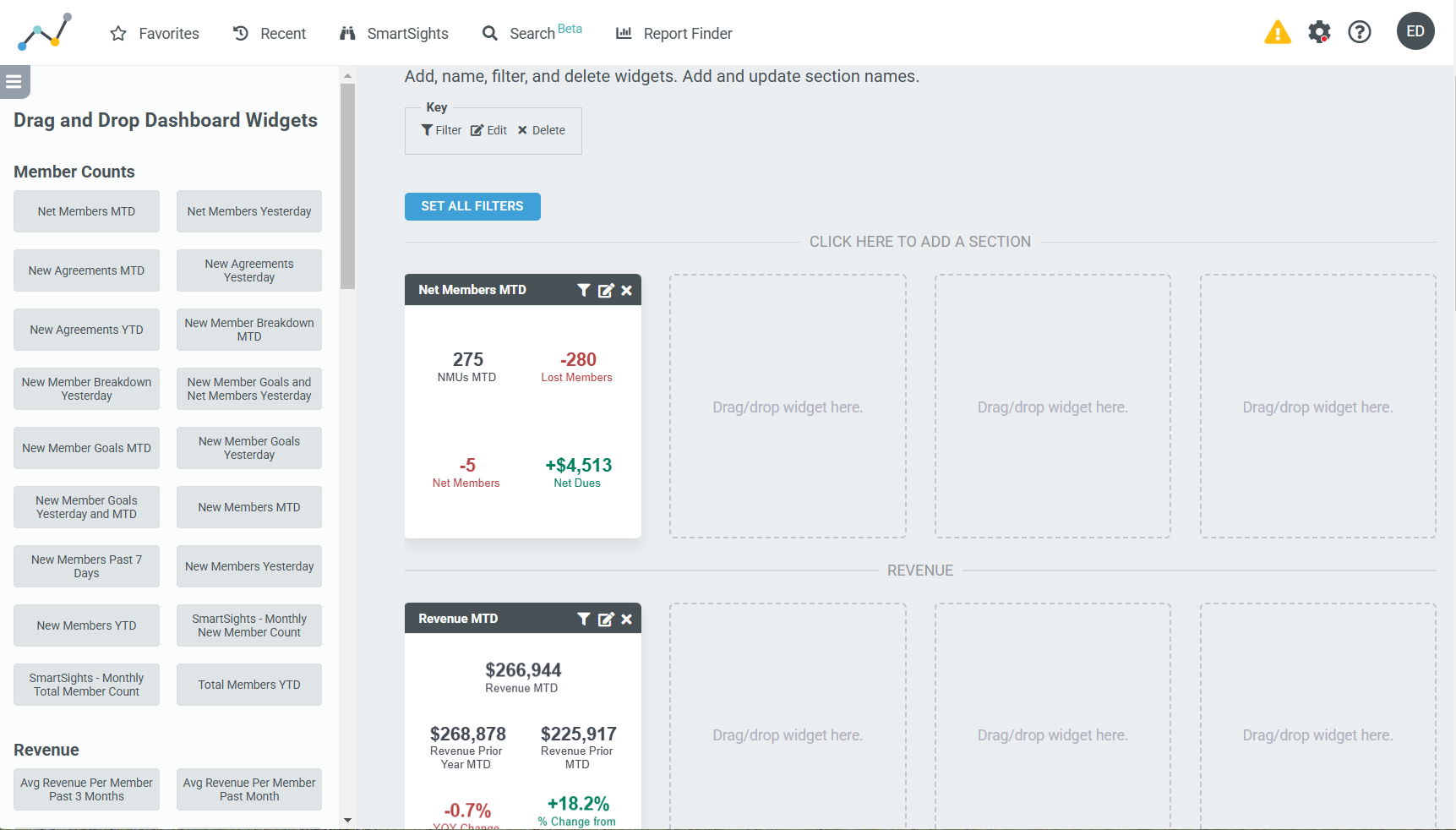
From the Customization screen, you can...
- Browse all the available "widgets" that can be added to your dashboard
- Drag and drop the widgets you'd like
- Add section headers to make viewing the page easier
- Set All Filters across widgets; for example to a specific club, or excluding a specific Membership Type Group like Staff.
- Set Filters on an individual widget; for example a Bronze Membership new member widget.
- Rename widgets; for example rename New Members MTD to Bronze New Members
Tables can't be imported directly. Please insert an image of your table which can be found here.
Save your dashboard to add it to the dropdown list of dashboards on your account. Share it with the other users on your account so they have access. Set it as your Default dashboard for when you log in to Easalytics every day.
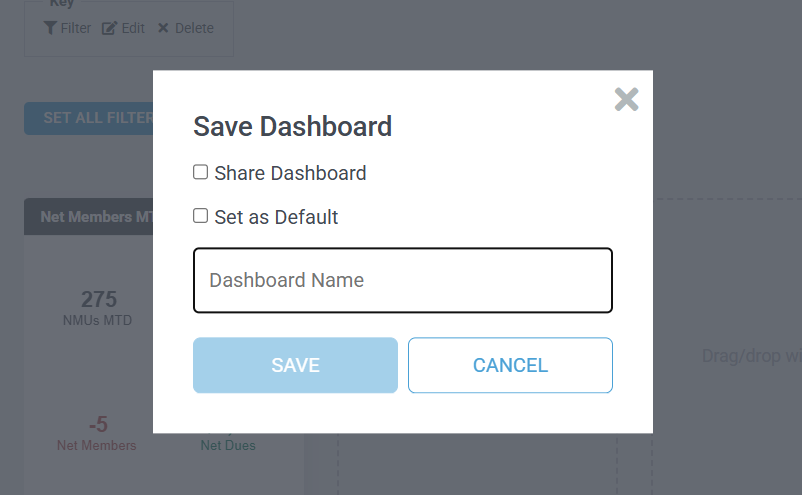
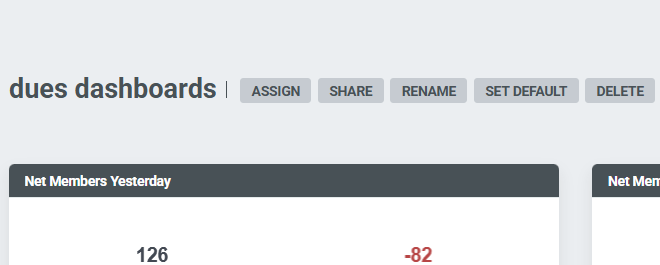
Once saved, you will have additional options to Rename, Delete, set as your Default when you log in to Easalytics; Share the dashboard with all users on your account, or Assign it to specific users.
Note: On Dashboards shared with you, you will not have all these options.
Not finding the widget or metrics you'd like to see regularly in your Topline Dashboards? Contact support@easalytics.com with a requests.